 Meta Tech Provider
How to Build a Prospect List in India in 10 Minutes: Developers, Clinics and CA Firms
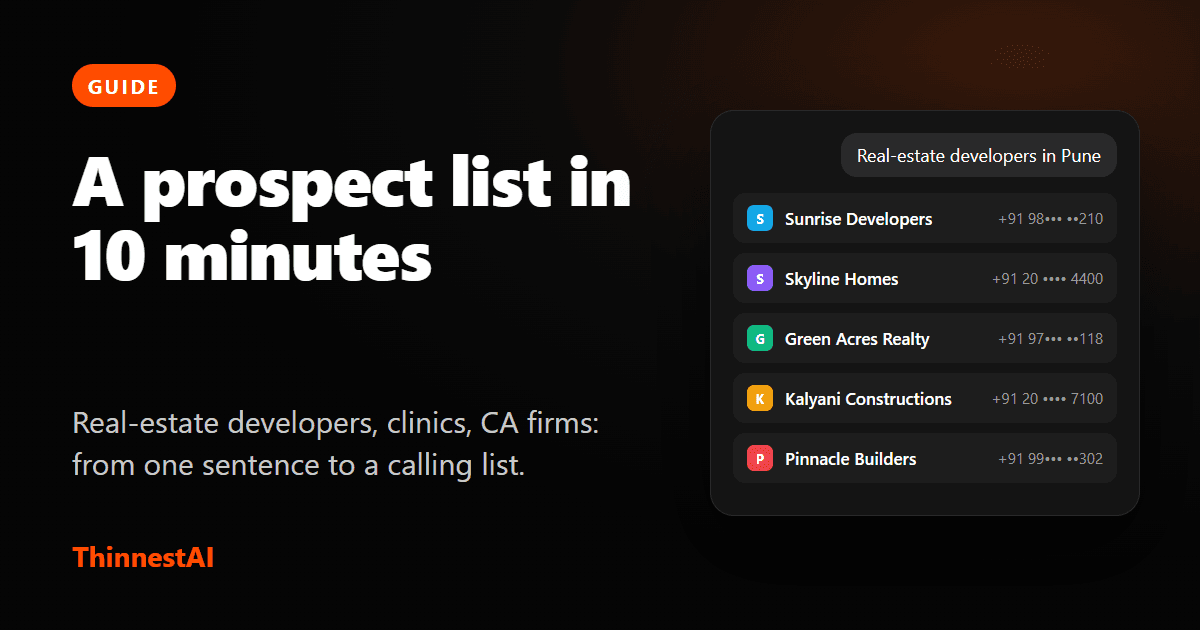
What “a prospect list” should mean
A good list answers three questions before you dial: who these businesses are, where they are, and how to reach each one. A list of 25 relevant businesses in one city, each with a number you can check, beats 2,500 names from a file nobody has opened since last year.
Here is how to build one with Find Leads in about ten minutes, with three examples.
Step 1: Write the request like you would say it
Name a kind of business and a place. The more specific, the better the results.
- Real-estate developers in Pune
- Dental clinics in Bengaluru
- CA firms in Ahmedabad
You do not need exact industry words. “CA firms” finds chartered accountants, accounting firms and audit firms as well. If your request is too broad, for example just “restaurants”, the agent asks one question, such as which city, with answers you can tick.
Step 2: Choose how many, and see the most it can cost
Pick 25, 50, 100, 250 or 500 leads. You see the most the search can cost before it starts. Your first 50 leads are free, so a first search of 25 costs nothing.
Step 3: Read the table
Each row has the business, its website, phone, email and location. Hover a “+2” next to a phone or email to see the others. Open the small link beside a website to see the page the details were read from, and check a number you are unsure about.
Example: dental clinics. You will see clinic names, a main reception number and often a booking line, plus an appointments@ or info@ address. For a vendor selling appointment-reminder software, the booking line is the one to ring.
Step 4: Ask for more, or change the search
This is where the chat helps. You do not start over.
- “Can you search for 20 more” adds different businesses to the same table.
- “Only the ones with an email” or “also include orthodontists” starts the next search in the same chat.
- “Now in Mumbai” does the same search somewhere else. Your Bengaluru search stays above, one click away.
Step 5: Save to a group
Tick the leads you want and choose Save to Contacts. Put them in a new group, named for the list: Pune developers, Oct. You confirm that contacting these businesses is your responsibility. A toast then offers Create campaign and Send broadcast, each opening already aimed at the group you just saved.
Step 6: Reach out
A calling campaign suits businesses that pick up the phone: clinics, builders, offices. Your voice agent introduces your offer, answers questions in the language the person speaks and records the outcome. A WhatsApp broadcast suits a short, clear offer with a button to reply.
Either way, send what the business would expect from a company like yours. A relevant, specific line gets answered. A generic blast does not, and it can get your WhatsApp number limited.
Worked examples
Real-estate sales
Find developers in a city, call them to offer channel-partner access or site-visit scheduling help. Ask for “20 more” until you have the 100 you can realistically call this week.
Healthcare vendors
Find clinics in one city, call the booking line with an offer to reduce missed appointments, and send a WhatsApp follow-up to those who ask for details.
Accounting software
Find CA and tax firms, call the general line, and ask for the person who manages billing or compliance. Public business lines reach a front desk first, so lead with a one-line reason for the call.
What to keep in mind
- You get business lines and general emails, not a named person's private mobile.
- Businesses with no website or no published number cannot be found.
- You pay ₹1 for each lead that comes back with a number or an email after your first 50. Everything else is free.