 Meta Tech Provider
Rage Clicks, Dead Clicks and Silent Errors: The Signals That Say a Customer Is Stuck
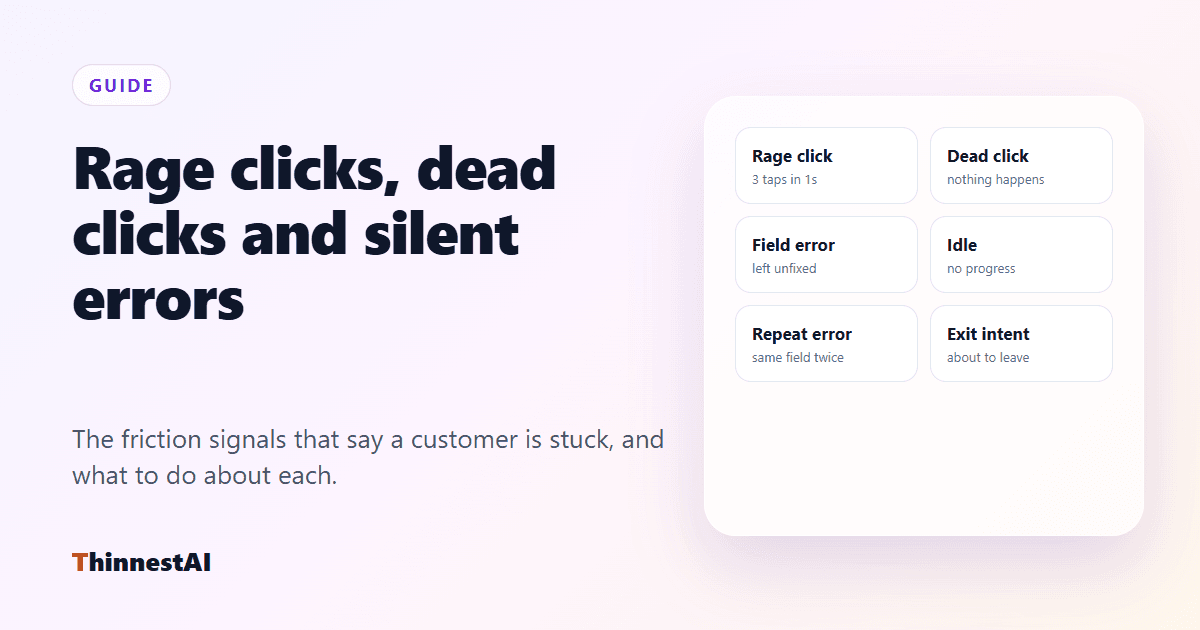
Customers show you before they tell you
Very few people write in to say a form confused them. They tap harder, wait, try again, and leave. Those behaviours are signals, and each one points at a different problem.
The signals
1. Rage click
What it is: several taps or clicks on the same spot within a second or so.
What it usually means: something looks clickable and is not responding — a slow button, a disabled control that does not look disabled, a link that does nothing.
Respond with: a short note on what is happening (“that button unlocks once the pincode is filled”), or point at what is blocking it.
2. Dead click
What it is: a click on something that looks interactive, after which nothing changes.
What it usually means: a design that promises an action it does not have — an icon, a heading styled like a link, a card that is not tappable.
Respond with: the action they were looking for, or a pointer to where it lives.
3. Field error left unfixed
What it is: a validation error that stays on screen for several seconds without the customer correcting it.
What it usually means: the error message does not say how to fix it.
Respond with: what the field expects, in plain words — or offer to fill it from what they tell you.
4. The same error twice
What it is: a field fixed and then failing again.
What it usually means: the customer is guessing. This is one of the strongest signals that they are about to give up.
Respond with: help straight away, not another error.
5. Idle time
What it is: no typing, tapping or scrolling for a while on a step that needs input.
What it usually means: they are looking for a document, they do not understand what is asked, or they are hesitating.
Respond with: a gentle offer, not a pop-up demand. One line is enough.
6. Exit intent and time on page
What it is: on desktop, the pointer moving to leave the page; anywhere, a long stay on a short step.
What it usually means: doubt, often about price, commitment or what happens next.
Respond with: the answer to the question they are probably asking — what this costs, what happens after, whether they can come back.
Rules for stepping in
- Be specific to the step. “Need help?” is noise. “The address needs a house number — want me to fill it in?” is help.
- Cap it. Once or twice per visit, never while someone is typing, and never again on a page where they dismissed you.
- Offer, then act. Let the customer say yes before you change their screen, and never press a payment or submit button without their explicit OK.
Doing this without building it
The ThinnestAI in-app agent watches for these signals on your website or app. You choose the pages, the signal, how long to wait and the line the agent says; it shows the message beside the chat button and opens the conversation already talking. Then it can fix the problem with the customer: fill the field, point at the button, run your own actions.